
CLICK v4.4.3 - March 2026
Standby WorkSpaces
Features
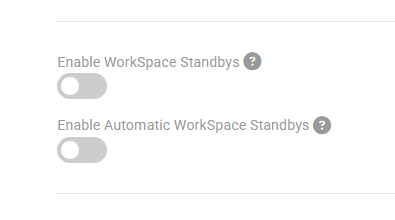
- The Standby WorkSpaces feature can be enabled in the WorkSpaces Setting page
-
When enabled "Create Standby" changes will appear in the pending changes page for user WorkSpaces that are attached to packages with the "Create Standby Enabled" toggled on
-
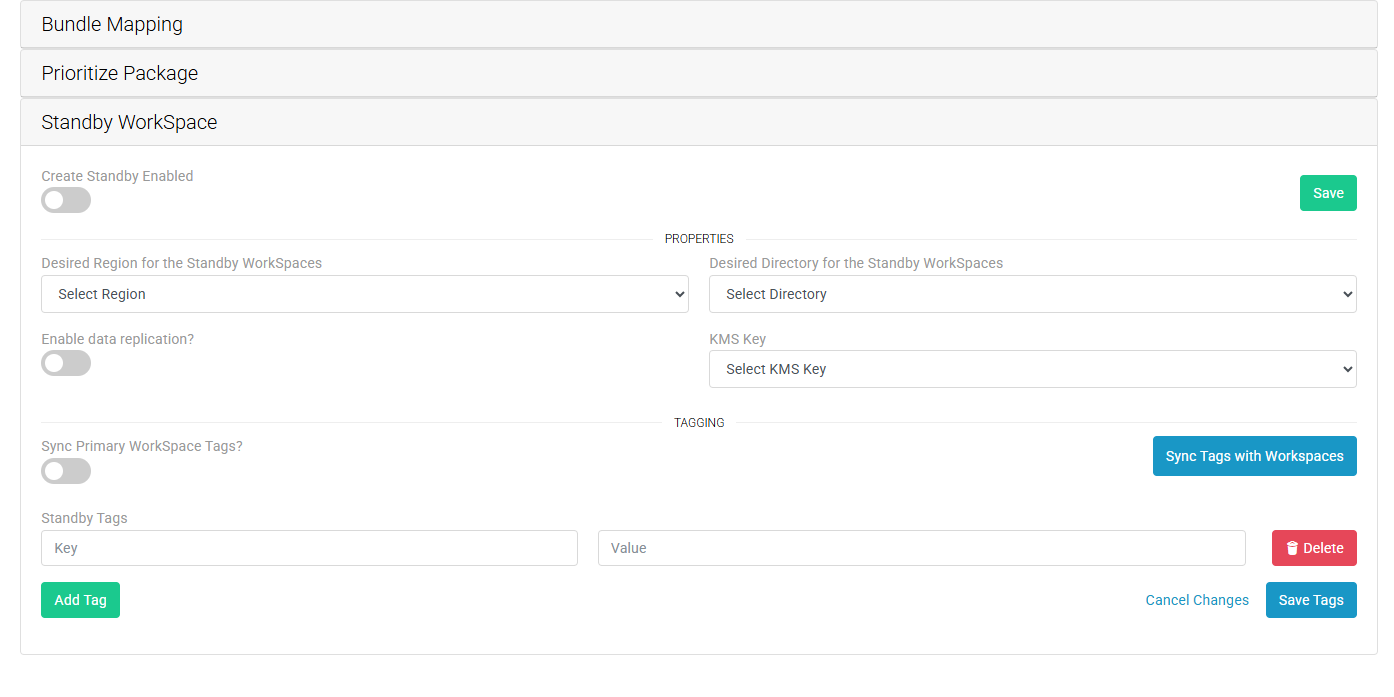
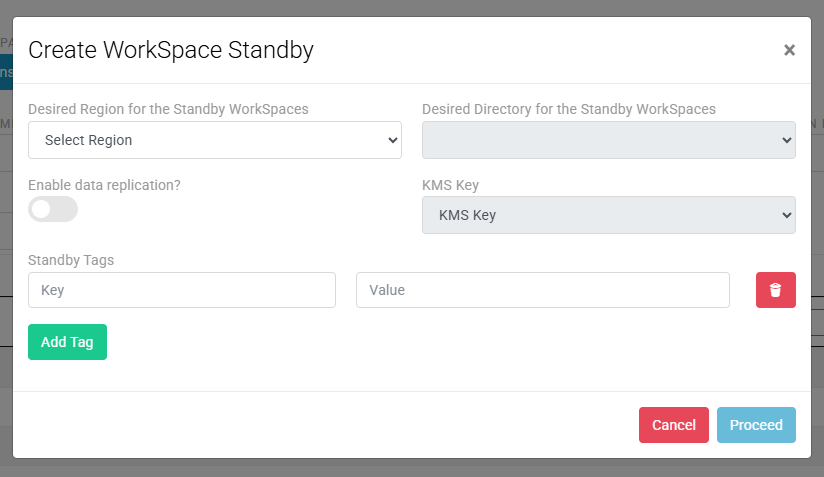
After enabling the standby creation, select a standby region and directory. If the primary WorkSpace has a encryption key attached, then the standby also needs a CMK or multi-region key Prerequisites
-
"Create Standby" changes will then appear in the pending changes page. Automatic standby creation can be enabled in the Workspace setting page or changes can be manually triggered.
-
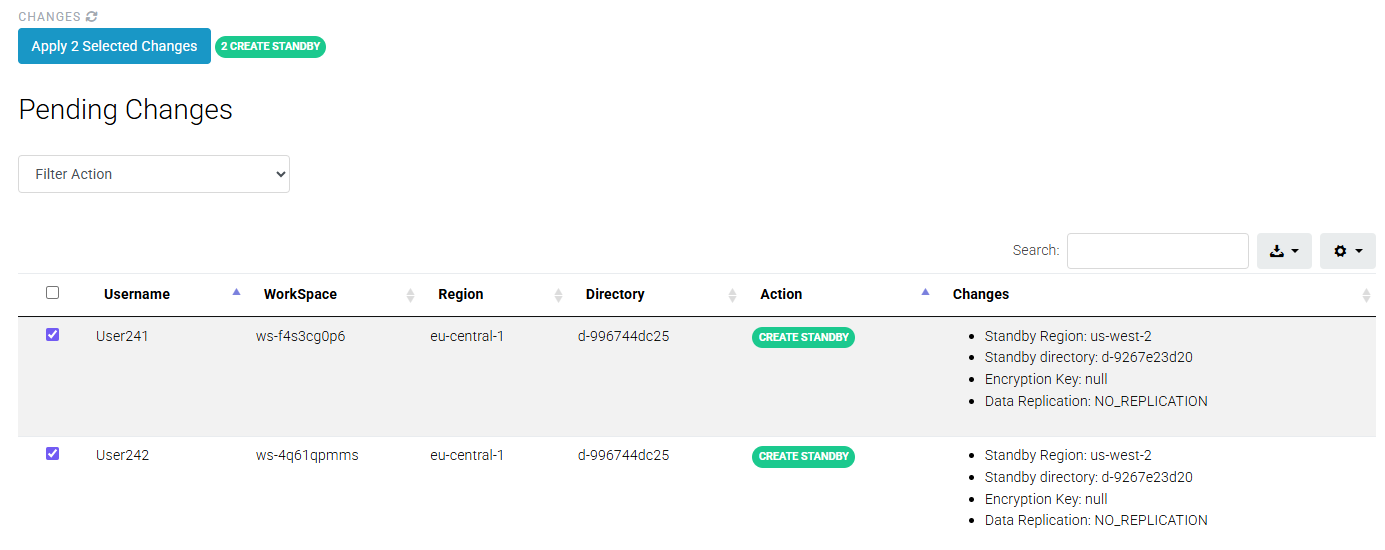
Standby creations will show the WorkSpace as unmanaged temporarily, but will sync the primary WorkSpace properties with the standby when the WorkSpace reaches an acceptable state on the AWS side.
-
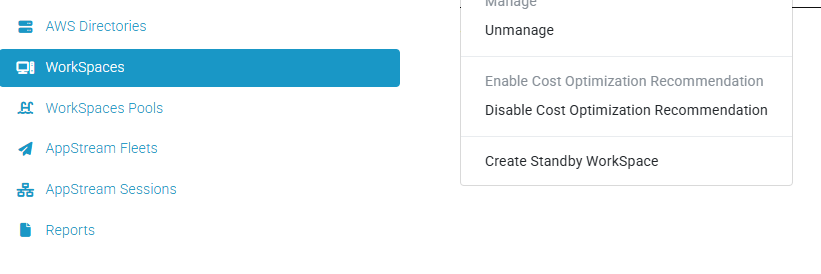
Standby WorkSpaces can also be created on a per User/Workspace level on the Workspaces page. Only WorkSpaces that do not have a standby already are eligible.
-
-
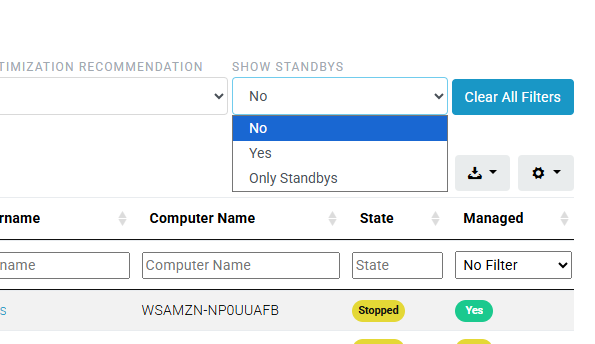
On the Workspaces page, the table can be filtered to hide or show standby workspaces.
-
WorkSpace Details
