
CLICK v4.4.8 - July 2026
Images | Bundles | Protocol
Features
AWS WorkSpaces Images
Viewing Images
WorkSpace images can now be viewed in Click. The 'AWS Images' tab is visible under the 'Administration' section of the menu for users with Image:Read access.
Image:Read access is already granted to the ADMIN, OPERATIONS, and READ_ONLY_ALL by default, and can be assigned to custom roles.
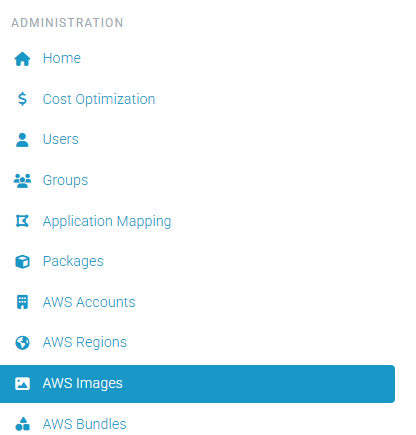
Image Operations
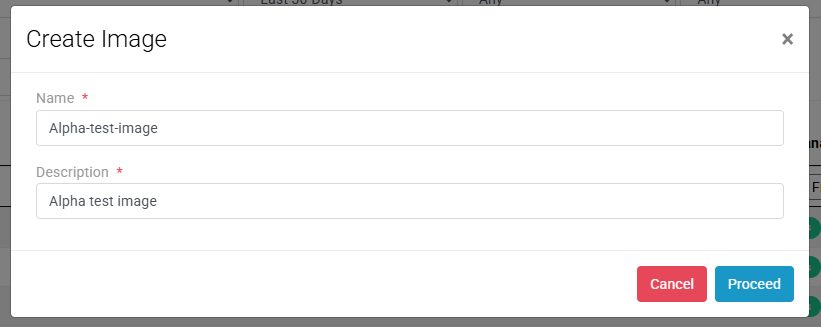
Create Image - An Image can now be created in the Click console for acceptable WorkSpaces. This operation can be found on the WorkSpaces page, in the Action dropdown, below the 'Create Standby Workspace' action. Requirements for an acceptable WorkSpace can be found in the AWS Documentation
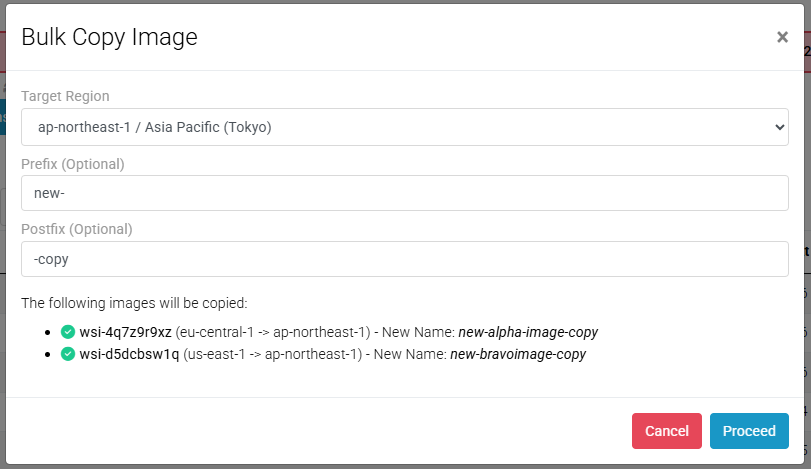
Copy Image - WorkSpace Images can now be copied between regions. This operation can be found on the Images page, in the Actions dropdown. Multiple images can be copied at a time. A prefix and post fix and also be added to the Image name.
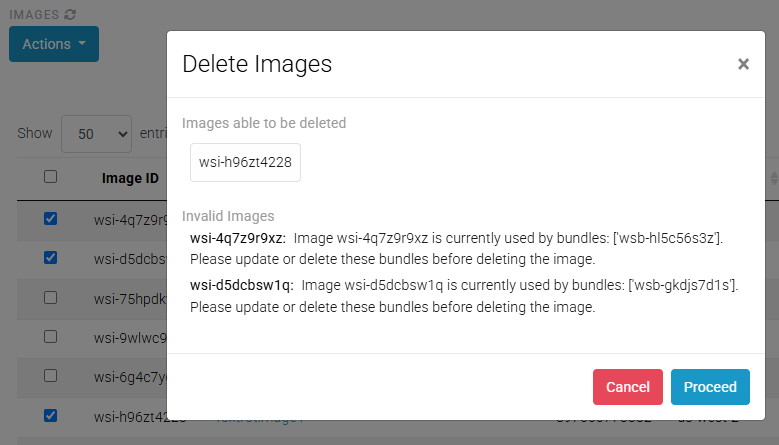
Delete Image - The operation to delete Images can be found on the Images page, in the Actions dropdown. Multiple images can be deleted at a time. Images that are associated with Bundles are not able to be deleted.
AWS WorkSpaces Bundles
Create Bundle - The operation to create a Bundle can be found on the Images page, in the Actions dropdown. One bundle can be created at a time.
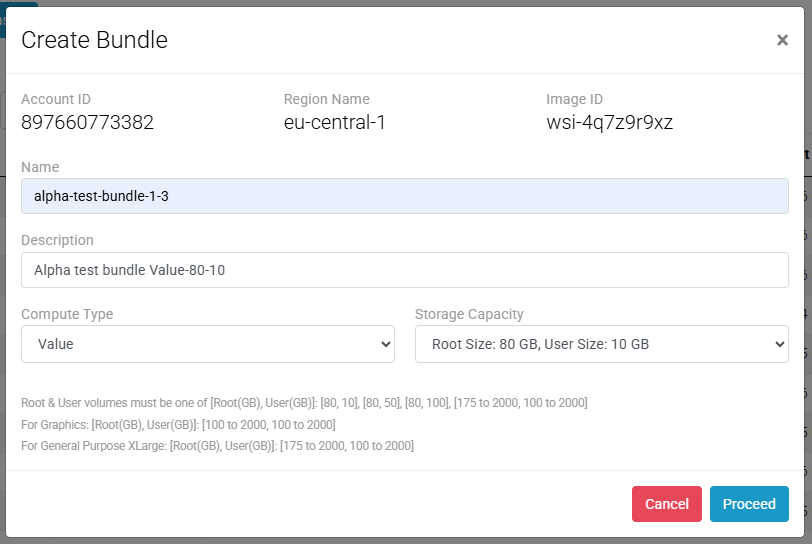
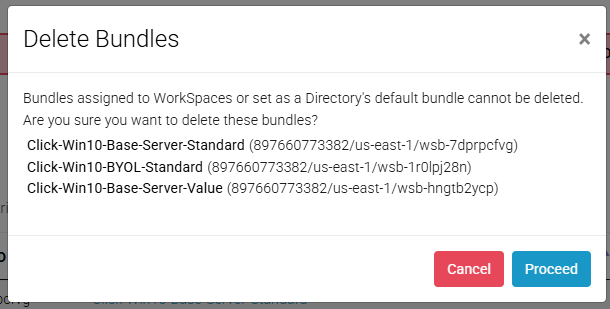
Delete Bundle - The operation to delete a Bundle can be found on the Bundles page, in the Actions dropdown. A bundle can be deleted only if it is not assigned to any WorkSpaces and is not configured as a directory’s default bundle in the Click console.
AWS WorkSpaces
Update protocol - AWS will discontinue support for PCoIP-based WorkSpaces on October 31, 2027. Click users can now update eligible WorkSpaces to the DCV (WSP) protocol directly from the WorkSpaces page in the Click console.
To update the protocol, select the desired WorkSpaces, open the Actions menu, and choose Update Protocol.
End of PCoIP support (AWS Docs)
Enhancements
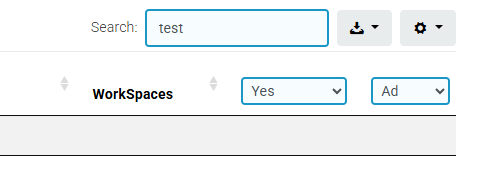
Text inputs and dropdowns now display a blue background and border to indicate that there is a filter being applied to a table.
Audit Logs - The Audit Log table now supports saving state, allowing filters and table configurations to persist accross sessions.