
CLICK v4.4.9 - September 2026
Nested Virtualization | Package Settings | Delayed Termination
Features
Nested Virtualization
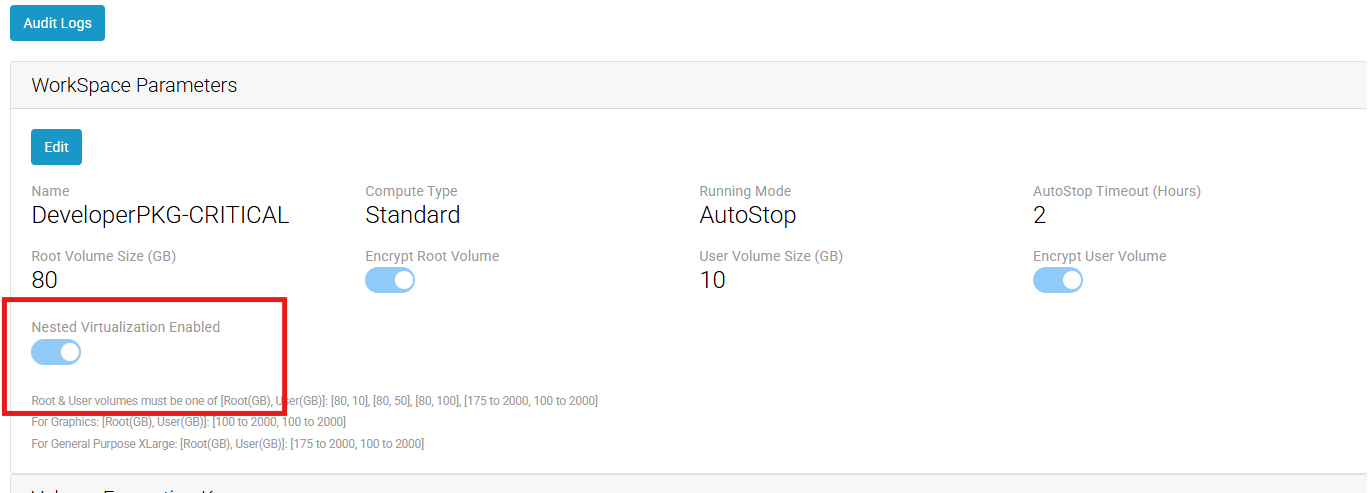
Click now supports WorkSpace Nested Virtualization, allowing hypervisors to run inside your WorkSpaces, for more information about Nested Virtualization refer to the AWS Docs. The new WorkSpace property is disabled on all packages by default and is included on Create and Updates jobs though the 'Pending Changes' page.
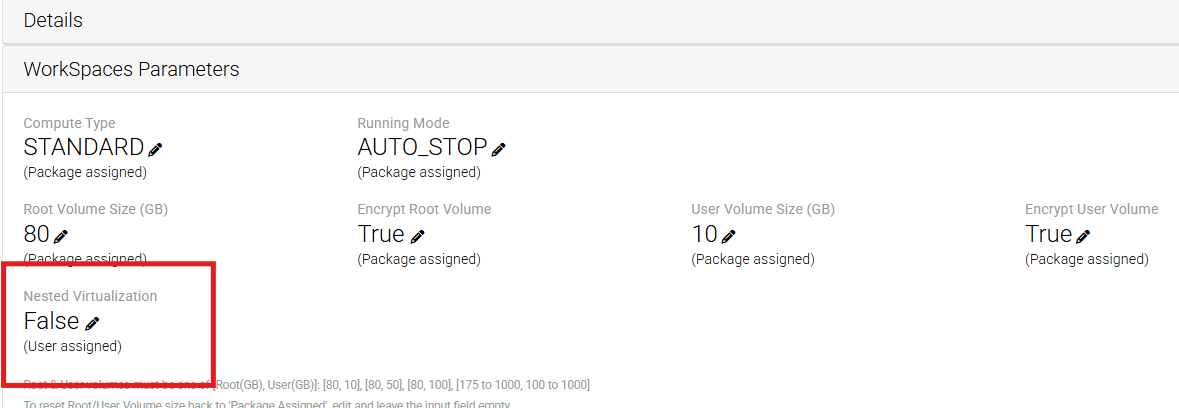
Nested Virtualization can also be applied at the User level, overriding the Package WorkSpace Parameters.
Package Settings
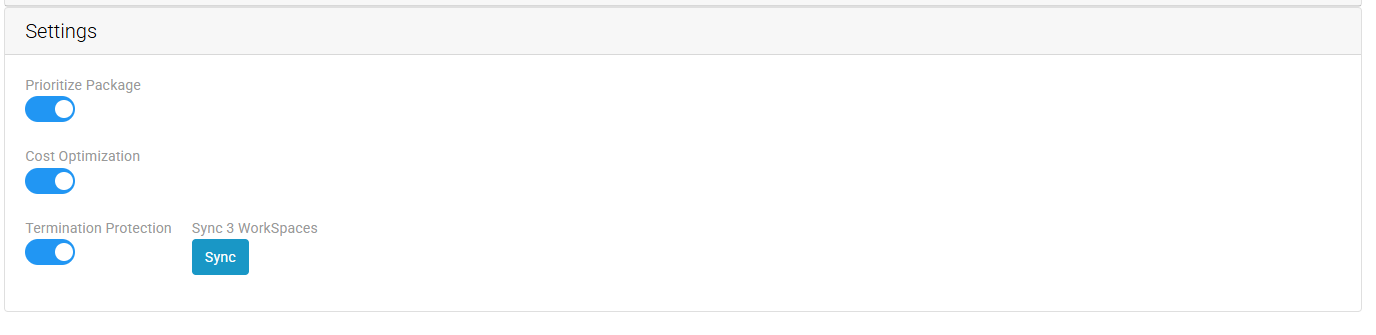
Cost Optimization and Termination Protection for WorkSpaces can now be set at the Package level. Newly created WorkSpaces will follow these settings. For existing WorkSpaces, you can select 'Sync' to apply the change to all out of sync WorkSpaces for the Package. Additionally, you can still update Workspaces individually or in batches on the 'WorkSpaces List' or 'WorkSpaces Details' pages.
Delayed Termination
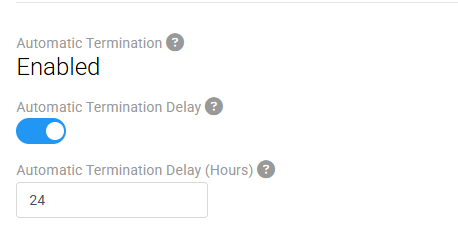
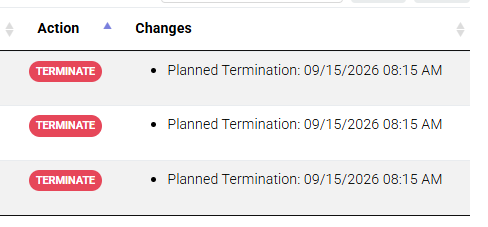
A delay for Automatic WorkSpace Termination can now be applied though the Click console, on the Settings > WorkSpaces page. Tenants with Automatic Termination enabled (Contact Click Support to enable for your tenant) can now toggle Automatic Termination Delay on/off and set the delay time in hours. When the Scheduled Changes executes for the tenant and finds WorkSpaces that need to be terminated, the delay will be applied and will wait the specified time in hours before executing the termination request
'Read' + 'Write' for permission 'automatic_termination' is required to update this setting.
Bug Fixes
Fixed issue for User Override WorkSpace Parameters, where Root and User Volume sizes were not showing that they were being overridden. They permanently showed (Package assigned) instead of correctly showing (User assigned). The Root and User Volume fields can also now be reset by submitting them with 0 or leaving them empty.